Below you can download the software for our mice and webcams.
Favo 1
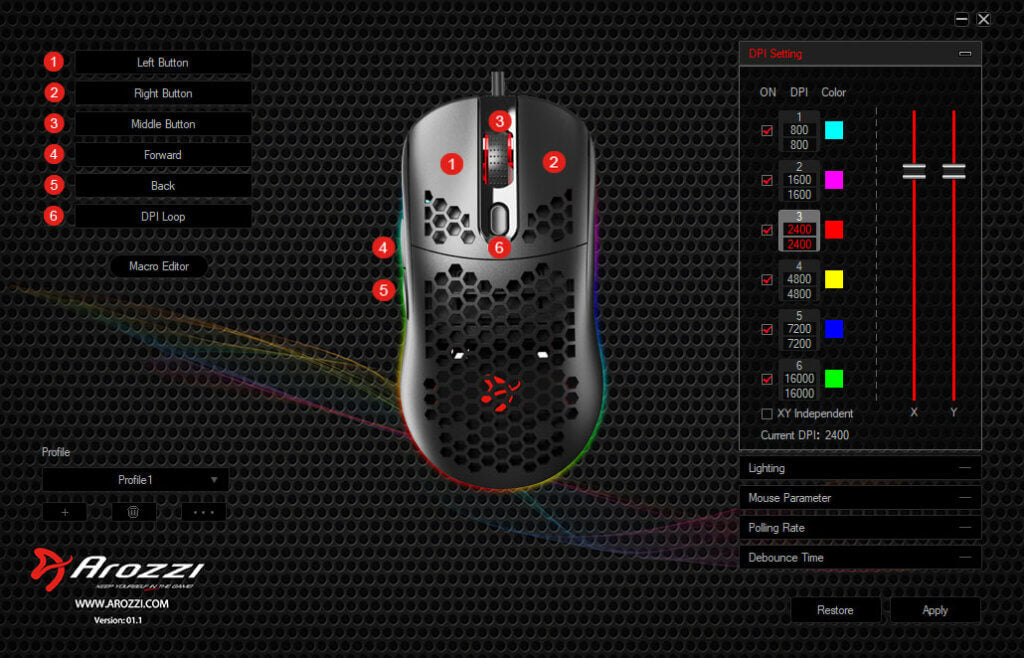
With the Favo Software, you can easily customize your mouse to perfectly suit your needs. Adjust settings like RGB lighting, DPI, profiles, and more. Download it here to take full control.
Note! The software is not compatible with MAC OSX.
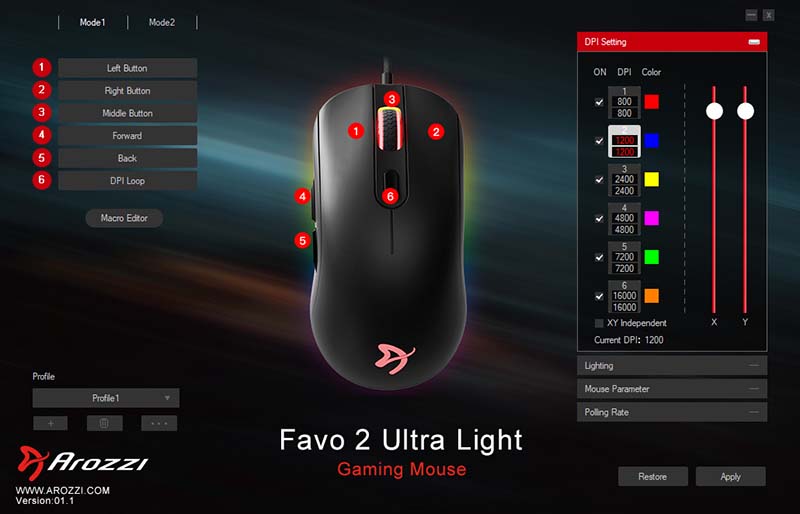
With the Favo 2 Software, you can easily customize your mouse to perfectly suit your needs. Adjust settings like RGB lighting, DPI, profiles, and more. Download it here to take full control.
Note! The software is not compatible with MAC OSX.
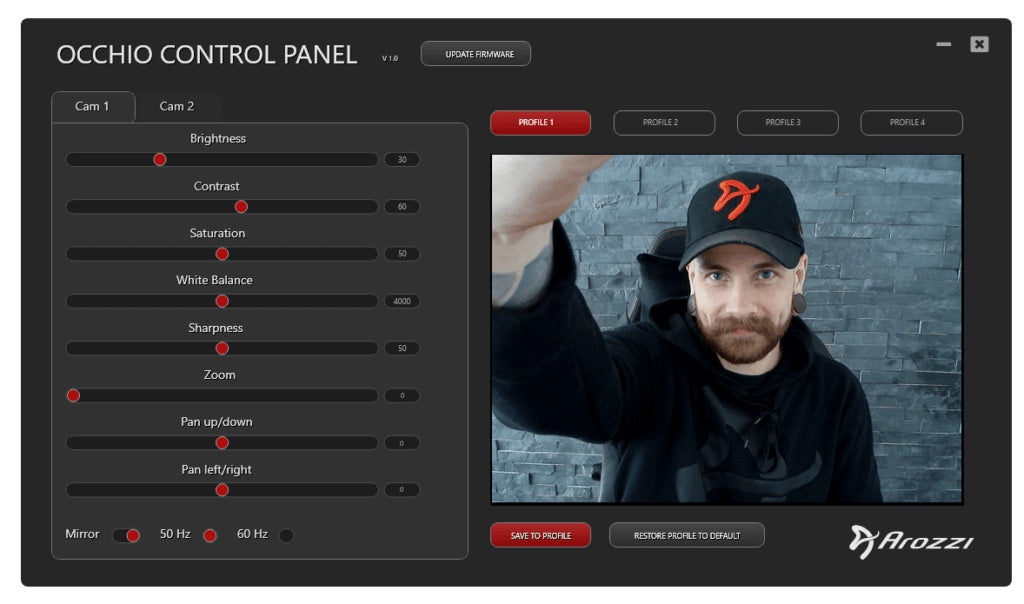
Download the control panel for the Occhio! It offers advanced camera settings, allowing you to achieve the best quality and performance tailored to your environment.