Utilizamos cookies y tecnologías similares para ofrecer la mejor experiencia en nuestro sitio web. Consulta nuestra Política de Privacidad para obtener más información.
A continuación puedes descargar el software para nuestros ratones y webcams.
Favo 1
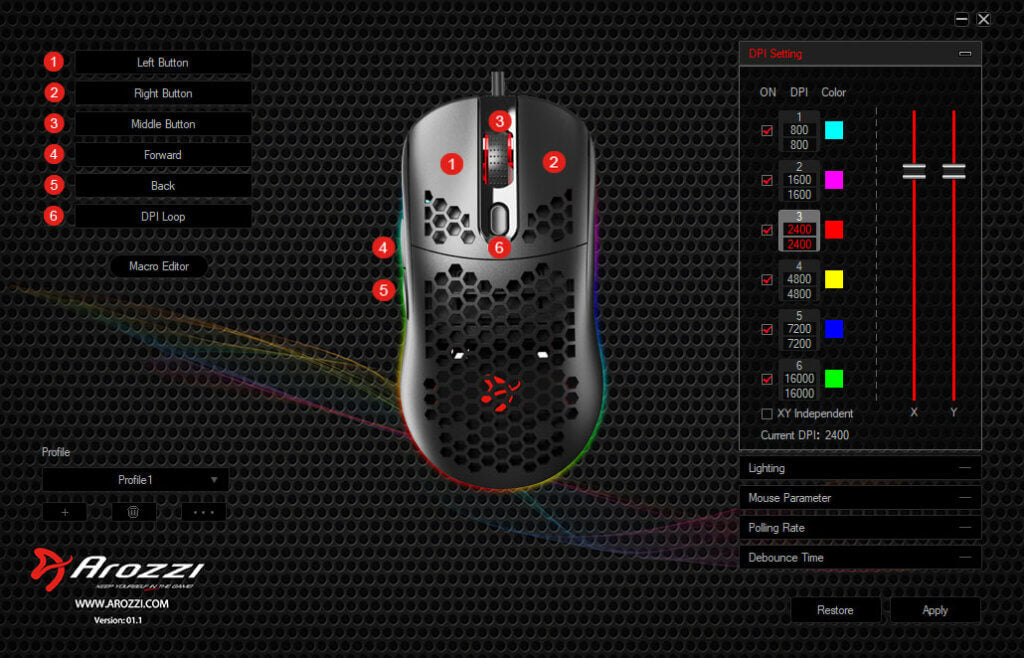
Con el software Favo, puedes personalizar fácilmente tu ratón para adaptarlo perfectamente a tus necesidades. Ajusta configuraciones como la iluminación RGB, DPI, perfiles y mucho más. Descárgalo aquí para tener el control total.
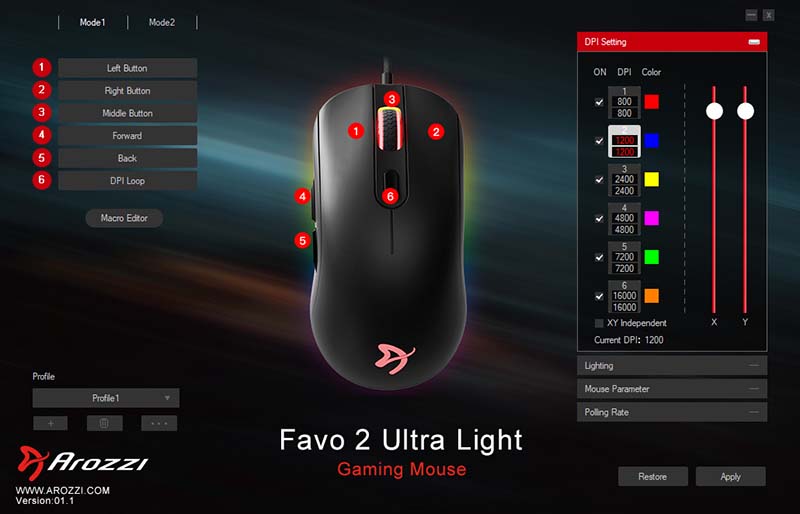
Con el software Favo 2, puedes personalizar fácilmente tu ratón para adaptarlo perfectamente a tus necesidades. Ajusta configuraciones como la iluminación RGB, el DPI, los perfiles y mucho más. Descárgalo aquí para tener el control total.
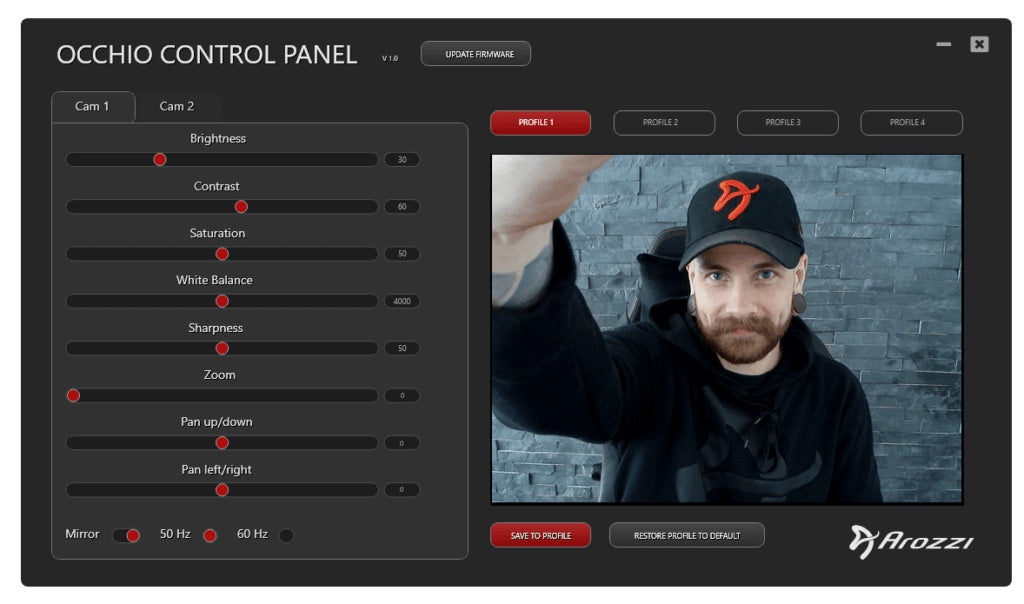
Descarga el panel de control para el Occhio. Ofrece configuraciones avanzadas de cámara, permitiéndote lograr la mejor calidad y rendimiento adaptados a tu entorno.